




Microsoft 365
Access your SSC email, cloud storage, and the complete suite of Office productivity tools.
Self-Service
Manage your academic journey by planning your courses, registering for classes, and viewing your financial information.
D2L Brightspace
Access your virtual classroom to view course syllabi, submit assignments, and engage with online learning materials.
Dates, breaks, and holidays.
Check courses and curriculum.
Don’t stress. Find the extra support you need.
Find out about courses and when a course meets.
Find out the cost of courses and programs.
Where, when, and how to hit those books.
Register for those classes by visiting Self-Service.
Learn how to request an SSC transcript.
Dates, breaks, and holidays.
Find out what’s happening on-campus and off-campus.
Campus Police & Safety Reports
Get campus safety information.
Preventing Sexual Violence in Higher Education (P.A. 99-426)
Information dealing with domestic violence.
Services for students to achieve success.
College & Career Success Center
Receive assistance from an advisor.
Services for
Students with Disabilities
Find help and support.
Learn about assistance for non-academic issues.
South Suburban College food pantry for students.
Housing options for students.
Information for military veterans, servicemembers and their families.
Get involved in various student opportunities.
Get job and career help.
Campus Police & Safety Reports
Get campus safety information.
Preventing Sexual Violence in Higher Education (P.A. 99-426)
Information dealing with domestic violence.
Services for students to achieve success.
Where, when, and how to hit those books.
Services for
Students with Disabilities
Find help and support.
Get books and spirit wear.
Get involved in various student opportunities.
Information for military veterans, servicemembers and their families.
Learn about assistance for non-academic issues.
Housing options for students.
South Suburban College food pantry for students.
College & Career Success Center
Receive assistance from an advisor.
Find out what help is available for non-academic issues.
Get job and career help.
Where, when, and how to hit those books.
Don’t stress. Find the extra support you need.
Get help with writing assignments.
Get help with public speaking.
Get help with your reading.
Math help is available.
Get extra help for your courses.
College & Career Success Center
Receive assistance from an advisor.
Find out what courses can be used at other schools.
Get help finding your course in D2L Brightspace.
Get help paying for books and classes.
Financial support for students who require immediate attention and support.
Earn extra money by working at the college.
Take classes in a foreign country.
Information on the Honors Program and courses.
Information on Phi Theta Kappa.
Get help with resumes, career choices, and more.
Get financial help for school.
See if you qualify for a scholarship.
Don’t stress. Find the extra support you need.
Special tuition programs are available.
Don’t pay all at once. Set up a payment plan.
Find out about events on-campus and off-campus.
Get involved in campus groups.
Student Government works for you.
Bulldogs and Lady Bulldogs teams.
Dates, breaks, and holidays.
Student Life & Leadership Page
Check out the webpage for Student Life & Leadership.
Course material and resources are available online.
Log in to your SSC account.
Plan, Register, Pay. It’s all in Self-Service.
Computer labs are available to students.
Support for classes, tutorials and how-tos, and more.
Technical assistance, repair, and consultation on laptops, tablets, smartphones, and more.
Submit a ticket for help and support for username, password, or computer issues.
Get help and support for D2L Brightspace.
A program to help families and households struggling to afford internet service during the COVID-19 pandemic.
Basic Needs Request Form
If you are an SSC student seeking support with housing, food, clothing, etc., we can help direct you to resources. Submit the form below and our staff will get in touch.
Password Information
Manage your login for Self-Service, D2L, and Office 365. Use the link below to reset your password. Note: Ensure Caps Lock is off.
Submit a Helpdesk Ticket
Self-Service Guide
Self-Service provides enhanced capabilities for registration, course planning, and student financial information.
Who Cannot Register Online:
- College Athletes
- High School Students (must register in-person)
- Students registering for more than 18 credit hours
- Students repeating a course for the fourth time (any course for any reason)
- Students with restrictions (owing money, missing transcripts, returned mail, residency, academic probation, or the need for placement testing or group advising)
Attendance in any class and receipt of a grade is subject to official enrollment in and payment of the full tuition for the class.
Registration Tips:
Register for any developmental courses (Reading 080, 081 and 082, English 097, 098, 099 and Math 085, 091, 093, 095, 097 or 100) and OCS 121 (if required) first. Tuition and fees are charged to student accounts upon registration. Payment arrangements need to be made prior to the start of classes to avoid penalties associated with non-payment.
Note: The college is not responsible for dropping students from courses due to non-payment.
Online Registration Video:
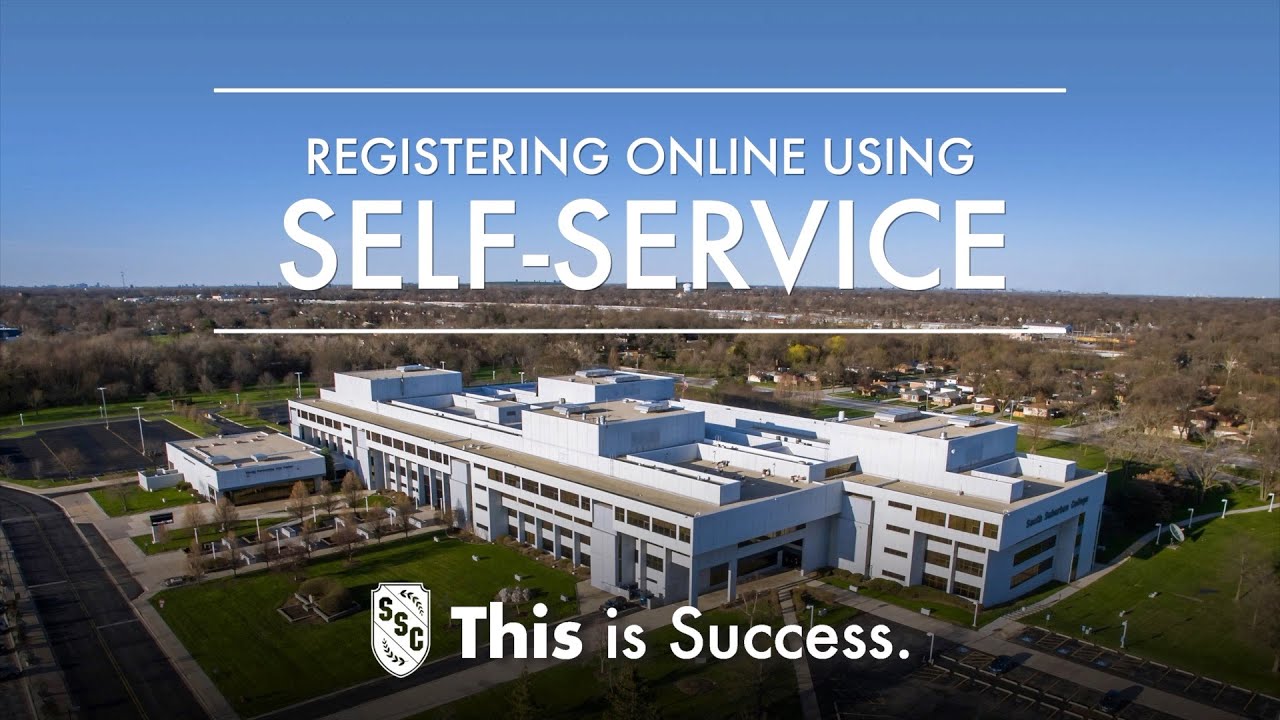
Watch this step-by-step video to learn how to register for classes via Self-Service.
Important Requirements:
All students attempting to access Self-Service need to have completed the application process. Any student without a user name and password needs to visit a Student Services office, with a valid, government-issued, photo ID to retrieve your information. If you do not live in-district but are using a charge-back agreement, cooperative agreement, work-in-district waiver, etc., you still need to register online, but then must come to the registration counter, on campus, to have your tuition rate adjusted.
If you are currently taking a prerequisite course and plan to register for the next course in a sequence, you will be expected to pass the prerequisite to continue your enrollment in the next course.